Installation
Requirements
Section titled “Requirements”- WordPress 6.0 or higher
- PHP 8.0 or higher
- Optional: ACF Pro, JetEngine, MetaBox, or WooCommerce (drivers are auto-detected)
Installation Methods
Section titled “Installation Methods”Method 1: Upload via WordPress Admin
Section titled “Method 1: Upload via WordPress Admin”- Download the UMIE plugin zip file from your account dashboard.
- Go to Plugins > Add New > Upload Plugin.
- Select the downloaded zip file.
- Click Install Now.
- Click Activate.
Method 2: WP-CLI
Section titled “Method 2: WP-CLI”wp plugin install /path/to/umie.zip --activateLicense Activation
Section titled “License Activation”A license key is required to enable AI features (Mapping & Extraction) and automatic updates.
- Get your Key: Log in to your Account Dashboard.
- If you don’t have a key, click Create Free License and enter your domain.
- Copy the generated key (starts with
UMIE-).
- Activate in WordPress:
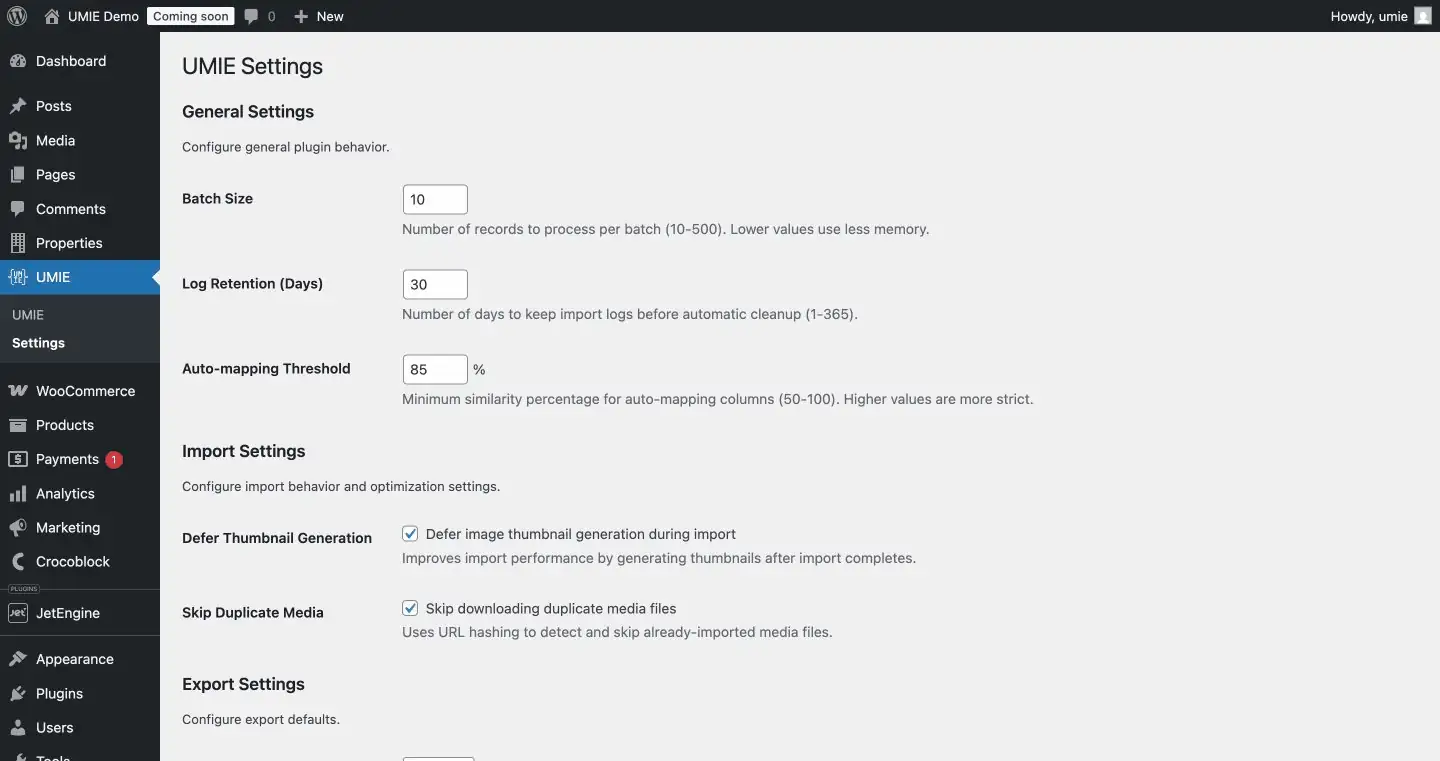
- Go to WordPress Admin Sidebar > UMIE > Settings.
- Paste your key into the License Key field.
- The page will reload and show your active status and credit balance.
Configuration
Section titled “Configuration”General Settings
Section titled “General Settings”- Batch Size: Default is 50. Decrease this if you encounter memory issues on shared hosting.
- Log Retention: How long to keep import logs (default 30 days).
AI Configuration
Section titled “AI Configuration”No extra configuration is needed! Once your license is activated, AI features are automatically enabled using the credits linked to your account.
Memory Settings
Section titled “Memory Settings”For very large imports (10,000+ records), you may need to increase PHP memory:
define('WP_MEMORY_LIMIT', '512M');Next Steps
Section titled “Next Steps”- Operation Modes - Understand all input/destination combinations
- Data Import - Import from File, AI, or Driver sources
- Account Management - Manage your keys and credits
- Native Driver - Import standard posts
- WooCommerce Driver - Import products